raspi + flask + ngrok
使用Flask在Raspberry Pi上写web application,然后使用ngrok反向代理,让此web application可以在公网访问。
1, Install virtualenv and flask:
1 | apt install python3-pip |
Edit run.py:
1 | from flask import Flask |
Run: python run.py, now you should be able to see it is running on 127.0.0.1:5000
2, Run ngrok
Go to ngrok.com to register account, then download ngrok (Linux ARM) version.
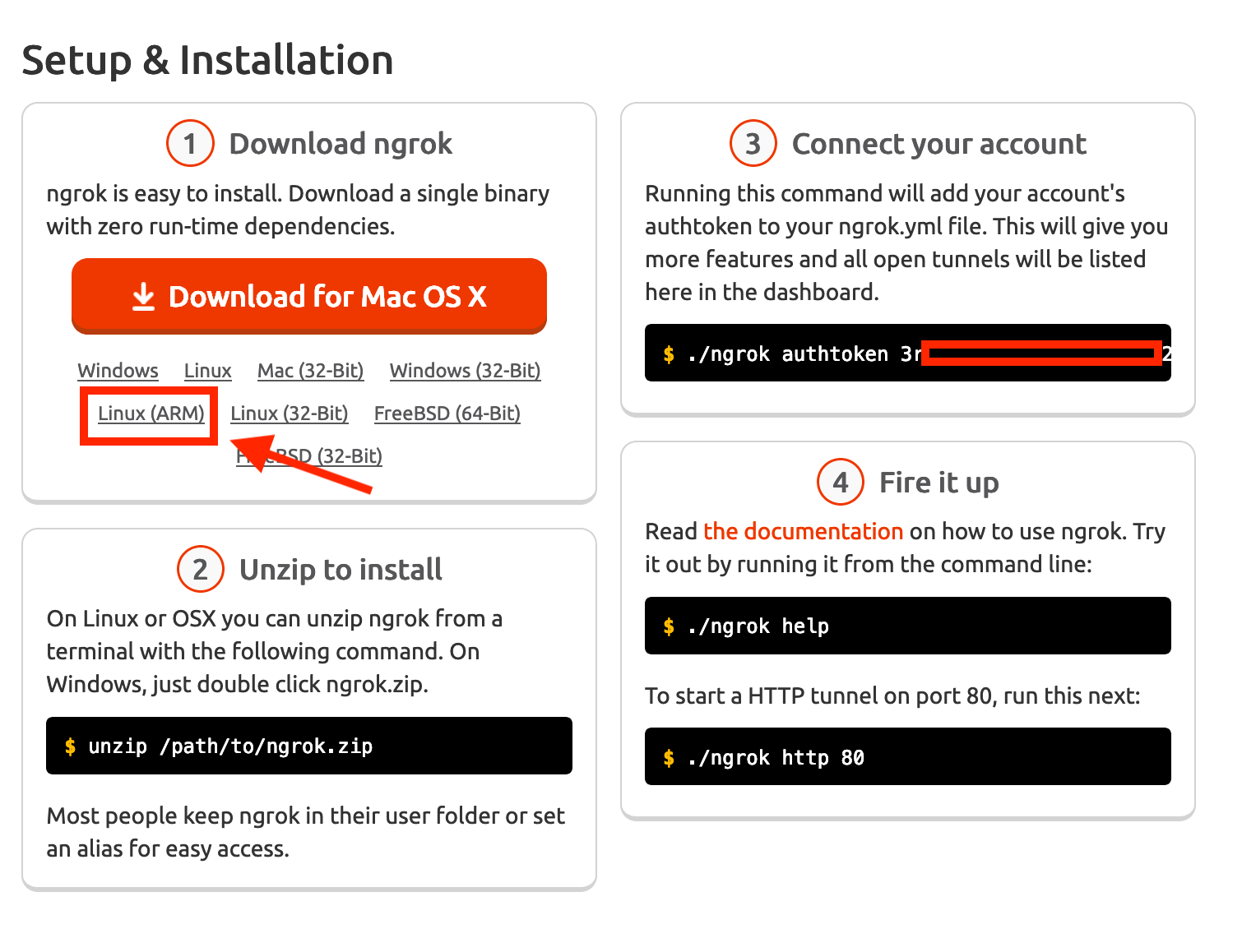
unzip the downloaded zip file, then copy the code in step 3 and paste in console.
Lastly, run ./ngrok http 5000 to create a tunnel from your local 5000 to ngrok.com’s subdomain, ngrok will give you a domain like http://07ab32bf.ngrok.io/ , this is the domain mapped to your local flask code.