Create NFT on Algorand
Problem
You have an awesome image and now want to make it a NFT on Algorand, and view it in your Pera Algorand Wallet
Solution
The key idea here is to create a new “asset” on Algorand which has the total supply as 1 (this is not required, it can have multiple copies like the Pera OG Gov NFT) and decimal to be 0 (this is required). To make it compitable with Pera wallet, you need to make sure the asset’s field match the standard. Pera now support the ARC3 and ARC69 format (see reference links below).
ARC3
For ARC3 format, the URL field you need an IPFS link which its content is in JSON format contains the NFT’s meta data. The meta data may look like this:
1 | { |
You can see here the image link in the meta data is the your real image link. (You need to upload the image to IPFS first, for example, you can use https://nft.storage ). This means ARC3 is 2-layer info, asset.url is the meta JSON, asset.url.image is the real image url.
For a more detailed example, you can check my another post on digging the Pera OG Gov NFT data >>
ARC69
ARC69 is easier, you can directly put the image’s url as the asset url, so in this case, asset.url is the image url (again, you need to upload the image to IPFS first).
Implementation
For a quick implementation, here is Python code you can twist to mint your own NFT. It assumes you have uploaded the image to IPFS and got the IPFS url, and have that image saved in your local ./images/nft.png file.
1 | #!/usr/bin/env python |
After run this file you will be able to create a NFT under your algorand account. If you go to your Pera wallet, go to your account > NFTs tab, you will be able to see this NFT.
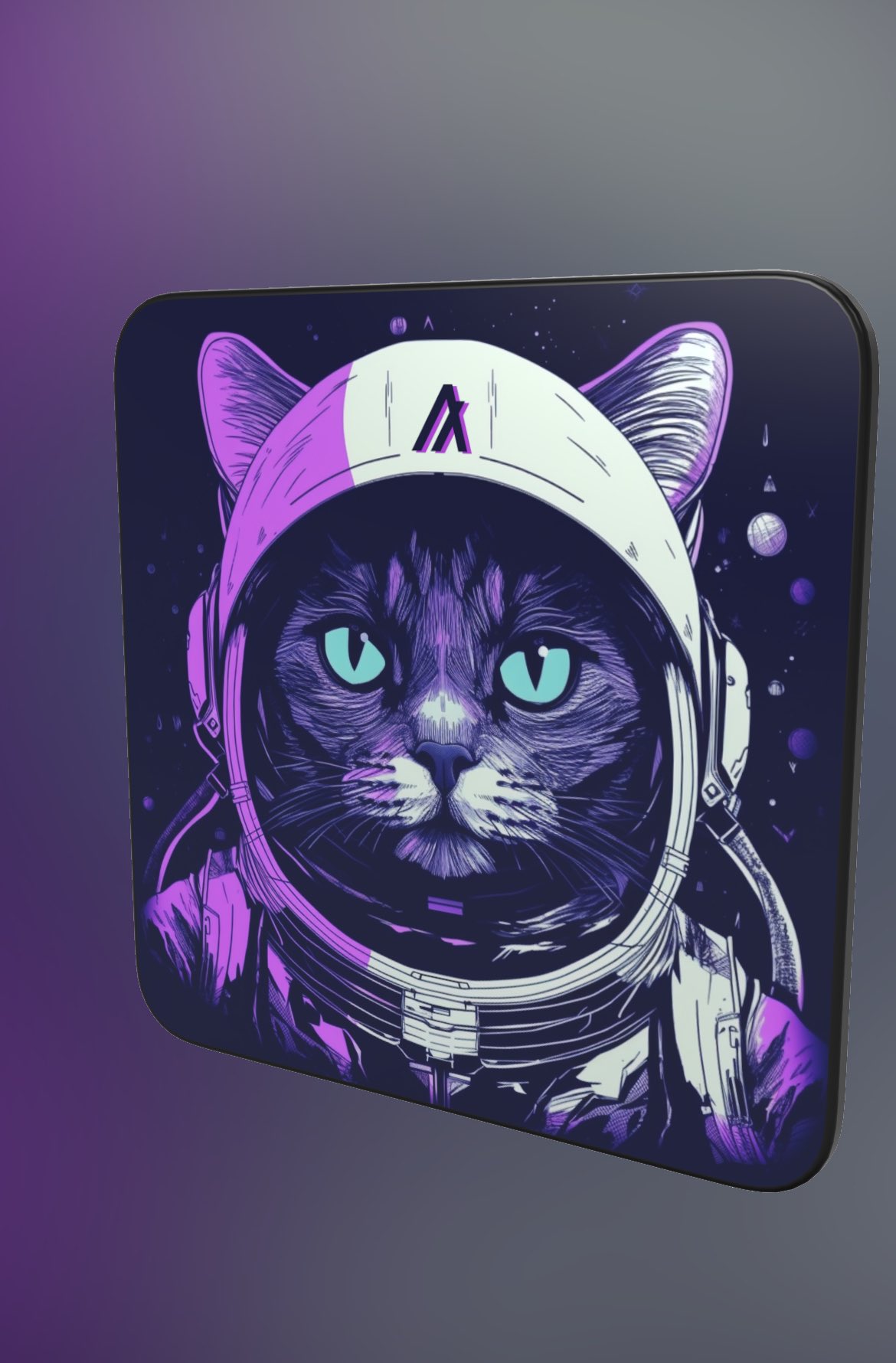
Here is mine in 3D mode, not bad, isn’t it?