Create NFT on Algorand

Problem

You have an awesome image and now want to make it a NFT on Algorand, and view it in your Pera Algorand Wallet

Solution

The key idea here is to create a new “asset” on Algorand which has the total supply as 1 (this is not required, it can have multiple copies like the Pera OG Gov NFT) and decimal to be 0 (this is required). To make it compitable with Pera wallet, you need to make sure the asset’s field match the standard. Pera now support the ARC3 and ARC69 format (see reference links below).

ARC3

For ARC3 format, the URL field you need an IPFS link which its content is in JSON format contains the NFT’s meta data. The meta data may look like this:

1
2
3
4
5
6
{
//...
"image": "ipfs://QmUwC4PqcjgJtFw6yudMfJKxnJraYLUhuUfysz4tzSzrxX",
"image_mimetype": "image/png",
//...
}

You can see here the image link in the meta data is the your real image link. (You need to upload the image to IPFS first, for example, you can use https://nft.storage ). This means ARC3 is 2-layer info, asset.url is the meta JSON, asset.url.image is the real image url.

For a more detailed example, you can check my another post on digging the Pera OG Gov NFT data >>

ARC69

ARC69 is easier, you can directly put the image’s url as the asset url, so in this case, asset.url is the image url (again, you need to upload the image to IPFS first).

Implementation

For a quick implementation, here is Python code you can twist to mint your own NFT. It assumes you have uploaded the image to IPFS and got the IPFS url, and have that image saved in your local ./images/nft.png file.

1
2
3
4
5
6
7
8
9
10
11
12
13
14
15
16
17
18
19
20
21
22
23
24
25
26
27
28
29
30
31
32
33
34
35
36
37
38
39
40
41
42
43
44
45
46
47
48
49
50
51
52
53
54
55
56
57
58
59
60
61
62
63
64
65
66
67
68
69
70
71
72
73
74
75
76
77
78
79
80
81
82
83
84
85
86
#!/usr/bin/env python

from algosdk.v2client import algod
from algosdk import mnemonic, account, transaction
import hashlib
import json


ALGOD_ENDPOINT = "https://node.algoexplorerapi.io"


def create_nft():
# type your 25 mnemonic words, separated by space
mn = input("Your mnemonic words:\n")
private_key = mnemonic.to_private_key(mn)
public_addr = account.address_from_private_key(private_key=private_key)
print("Your public addr:", public_addr)

# create algod client
client = algod.AlgodClient(
algod_token="",
algod_address=ALGOD_ENDPOINT,
)
# generate common parameters
params = client.suggested_params()

# use arc69 standard here
# https://github.com/algorandfoundation/ARCs/blob/main/ARCs/arc-0069.md
# put extra #i at the end if it is an image.
# others: #v for videos, #a for audio, #p for PDF, or #h for HTML digital media
assetURL = "ipfs://<your image ipfs url>#i"

# imageHash will be calculated on the image's raw binary data
# and will be used for asset's metadata_hash field
imageHash = hashlib.sha256(open("./images/nft.png", "rb").read()).digest()

# metaNote must be a json dictionary, which marks arc69 as standard
# the `properties` field doesn't really matter, it just contains some extra info
metaNote = json.dumps({
"standard": "arc69",
"description": "<Your NFT description here>",
"mime_type": "image/png",
"properties": {
"collection": {
"series_name": "<NFT series name>",
"creator_name": "<Creator name to display in Pera>"
}
},
})

# create this transaction
# only set the manager address, keep reserve, freeze and clawback empty
# also make sure set the strict_empty_address_check to be False, otherwise,
# this function doesn't allow you to leave these 3 address empty
txn = transaction.AssetConfigTxn(
sender=public_addr,
sp=params,
total=1,
default_frozen=False,
unit_name="<UNIT NAME>",
asset_name="<NFT Name>",
manager=public_addr,
reserve="",
freeze="",
clawback="",
url=assetURL,
metadata_hash=imageHash,
decimals=0,
note=metaNote,
strict_empty_address_check=False,
)

# sign the transaction
signed_txn = txn.sign(private_key)

# send the transaction
txid = client.send_transaction(signed_txn)
print(f"Transaction ID: {txid}")
print("Wait for transaction done")
transaction.wait_for_confirmation(client, txid, 4)
print("Done")


if __name__ == "__main__":
create_nft()

After run this file you will be able to create a NFT under your algorand account. If you go to your Pera wallet, go to your account > NFTs tab, you will be able to see this NFT.

Here is mine in 3D mode, not bad, isn’t it?
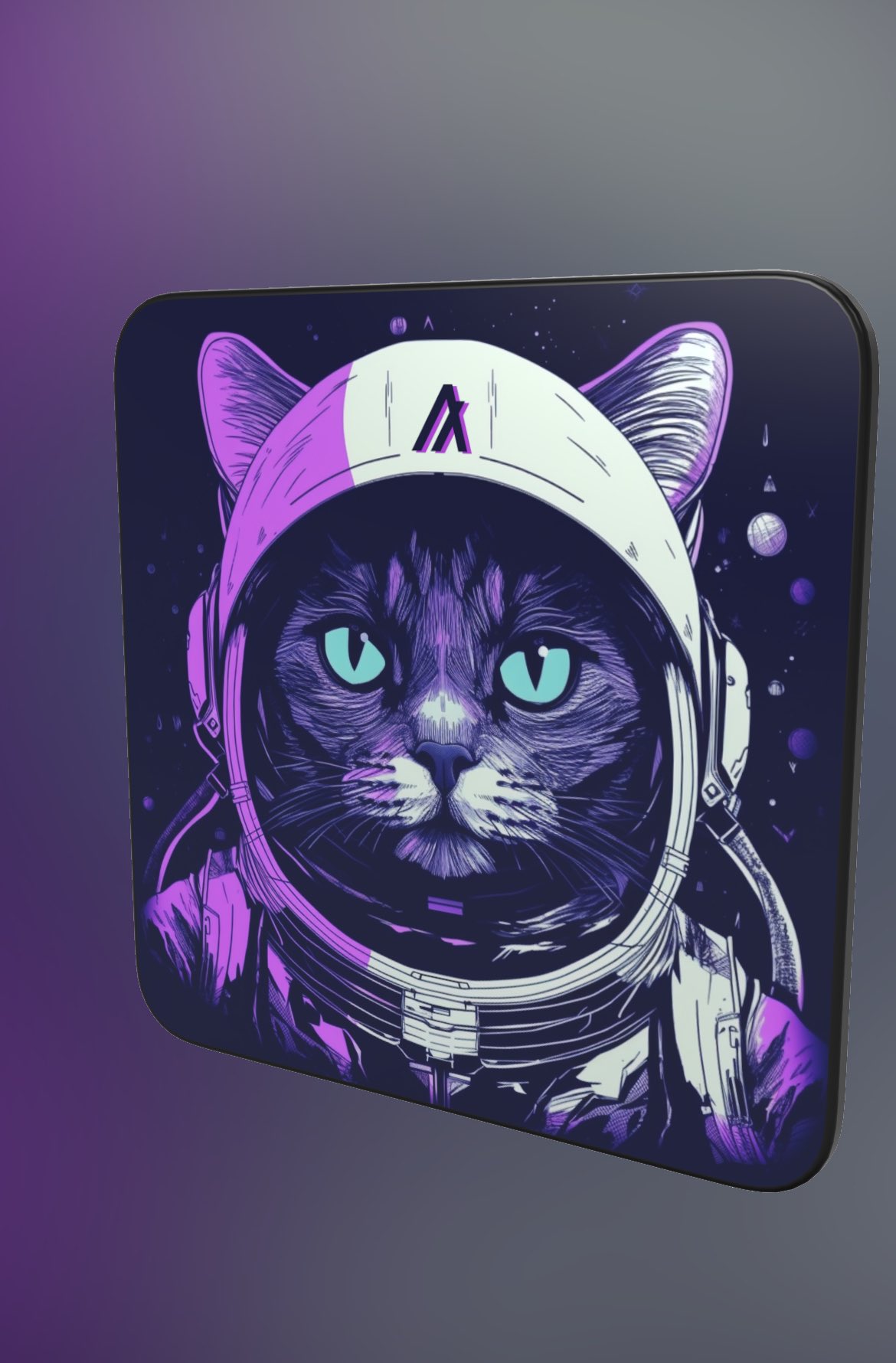
Catronaut A-001

Reference